
Selling Tickets
How to Sell your Tickets:
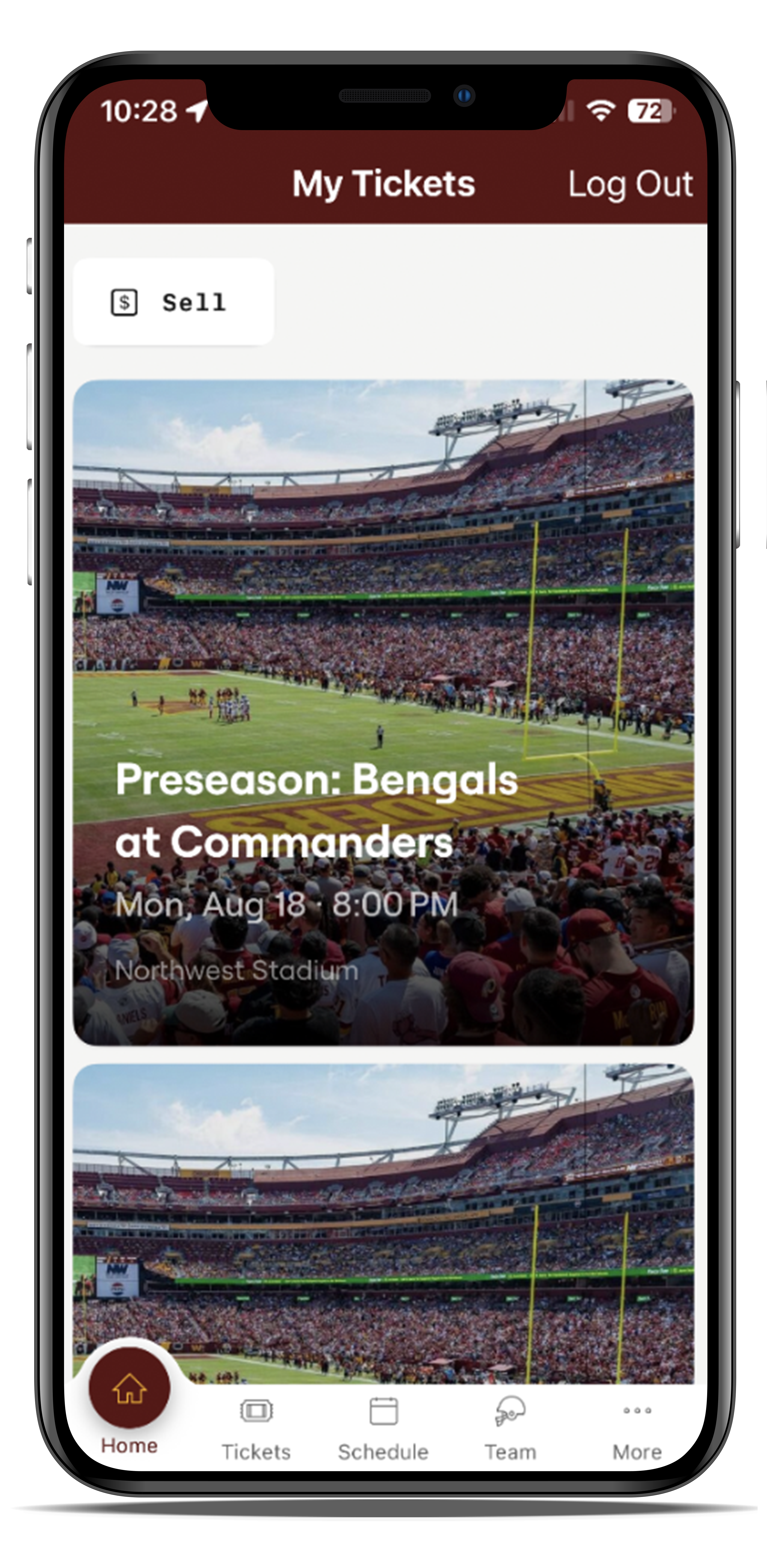
Select the game you wish to sell your tickets for.
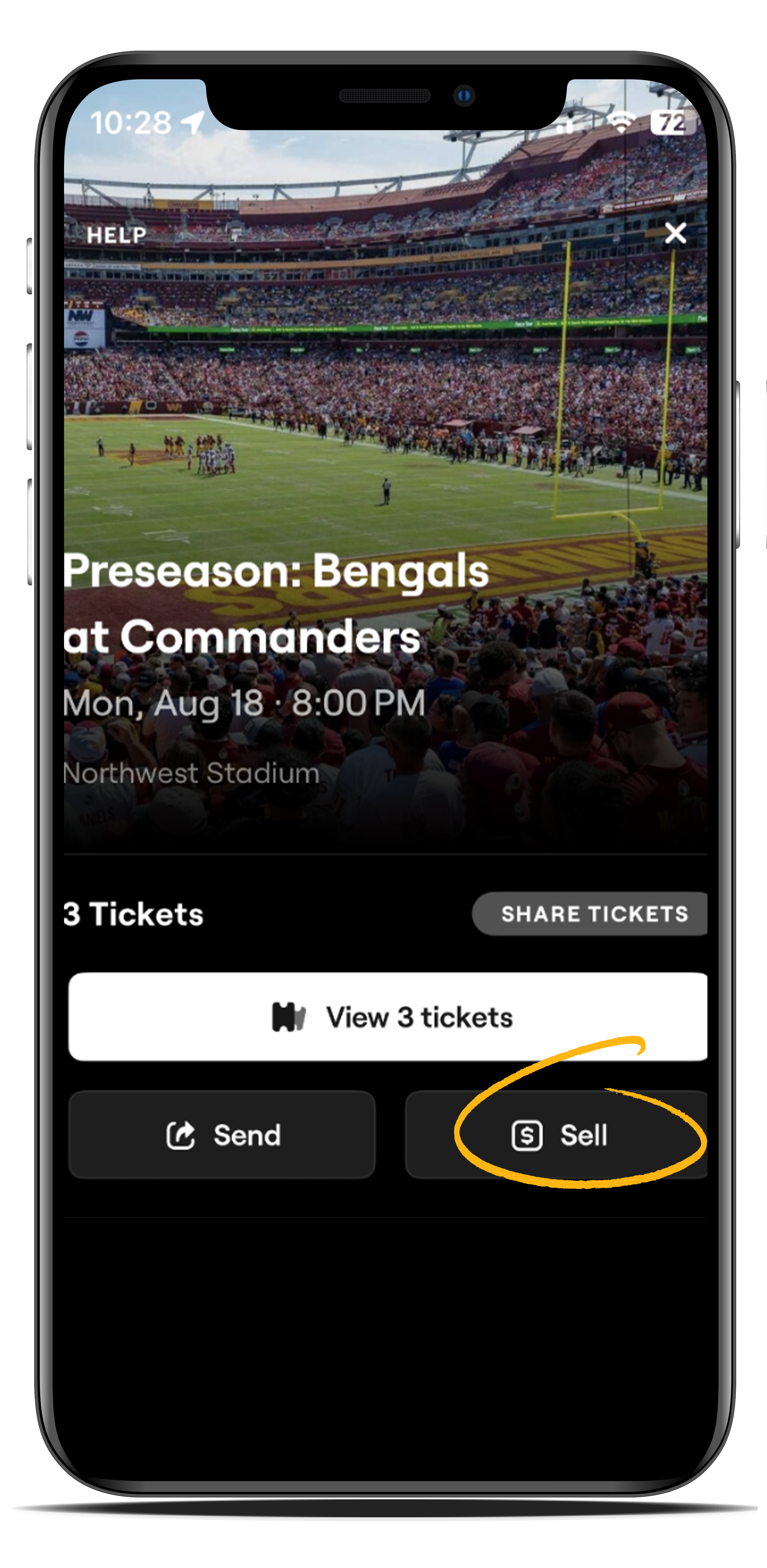
Select "Sell"
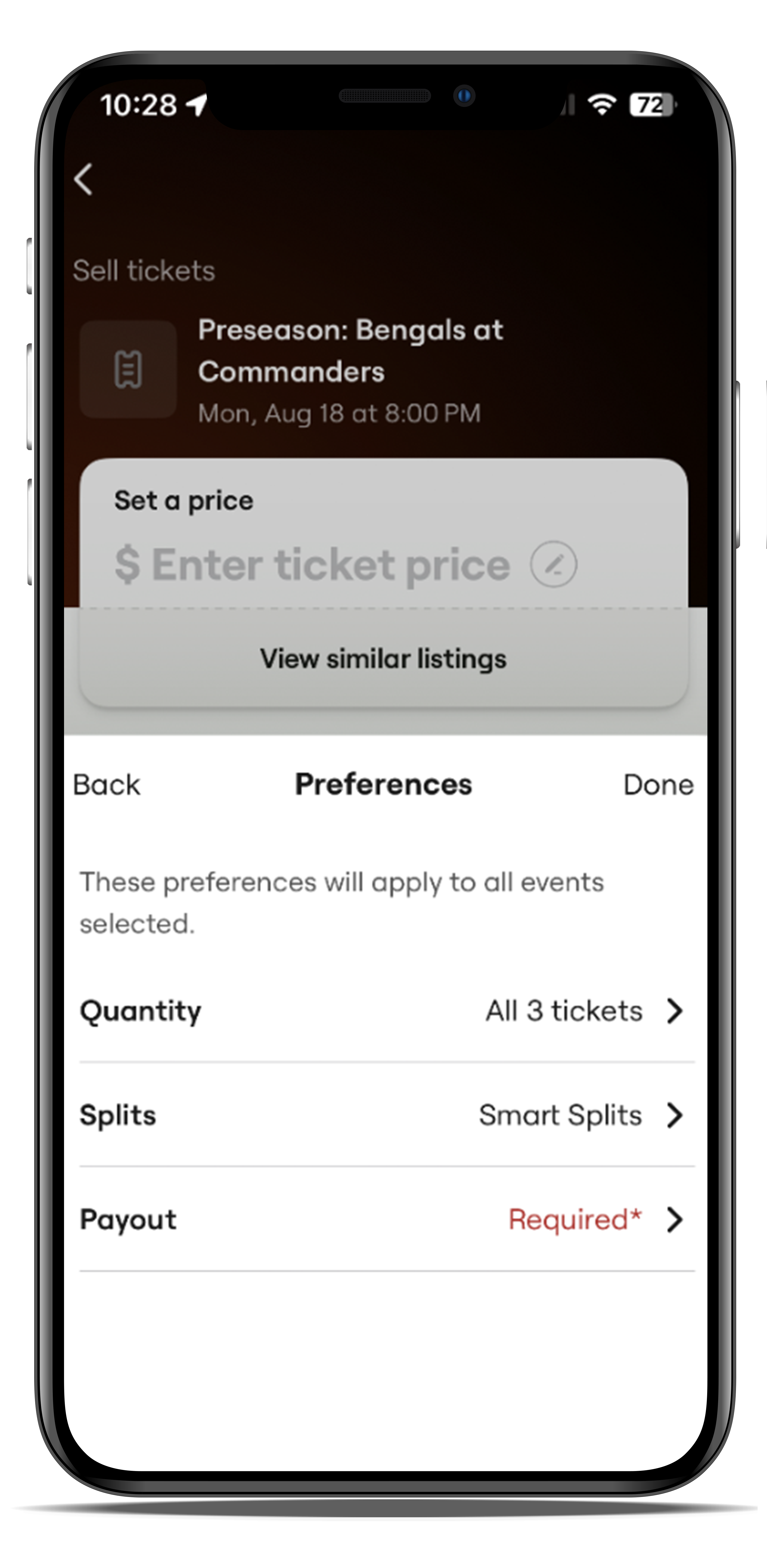
Select "Preferences"
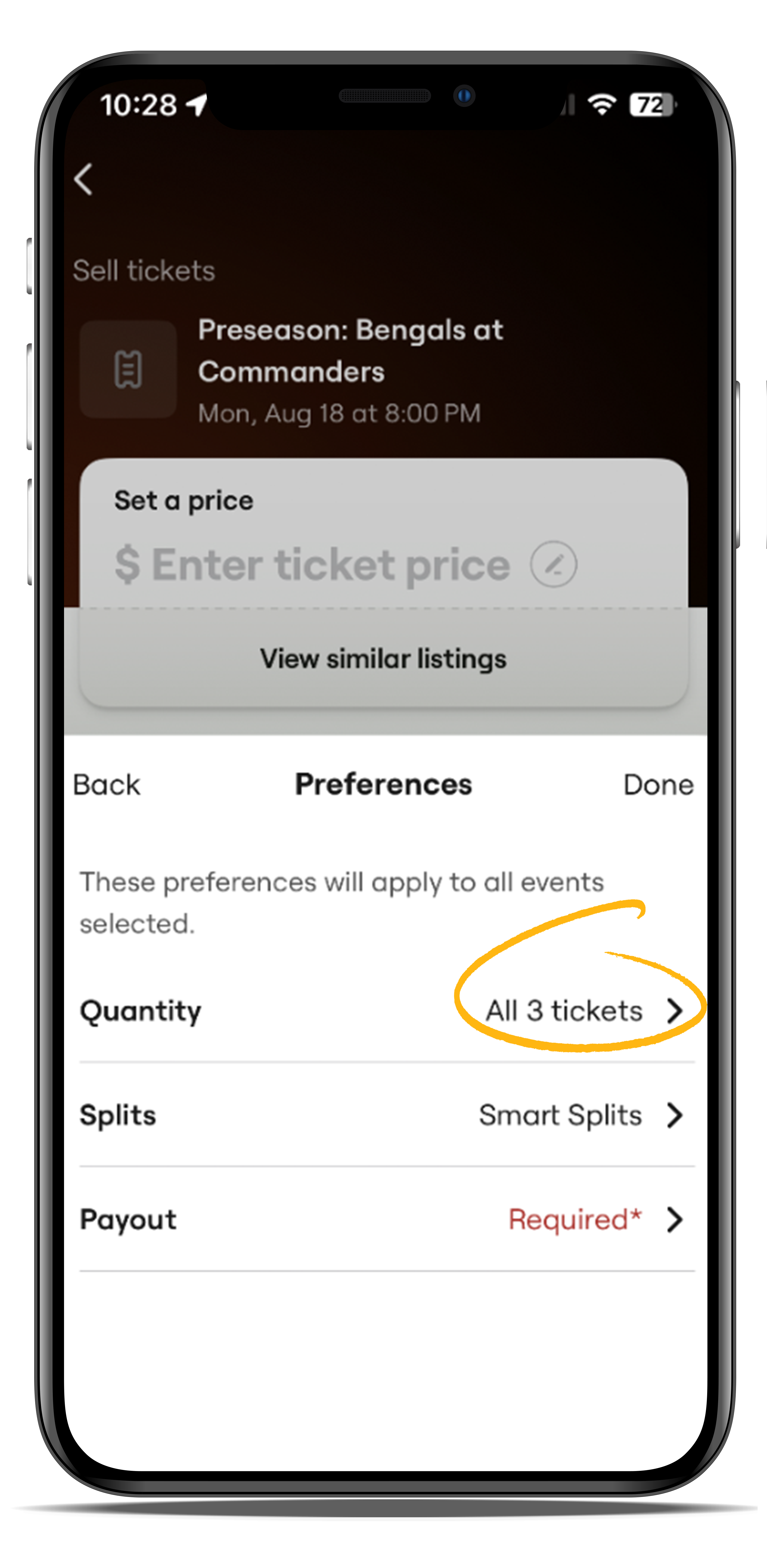
Select "Quantity"
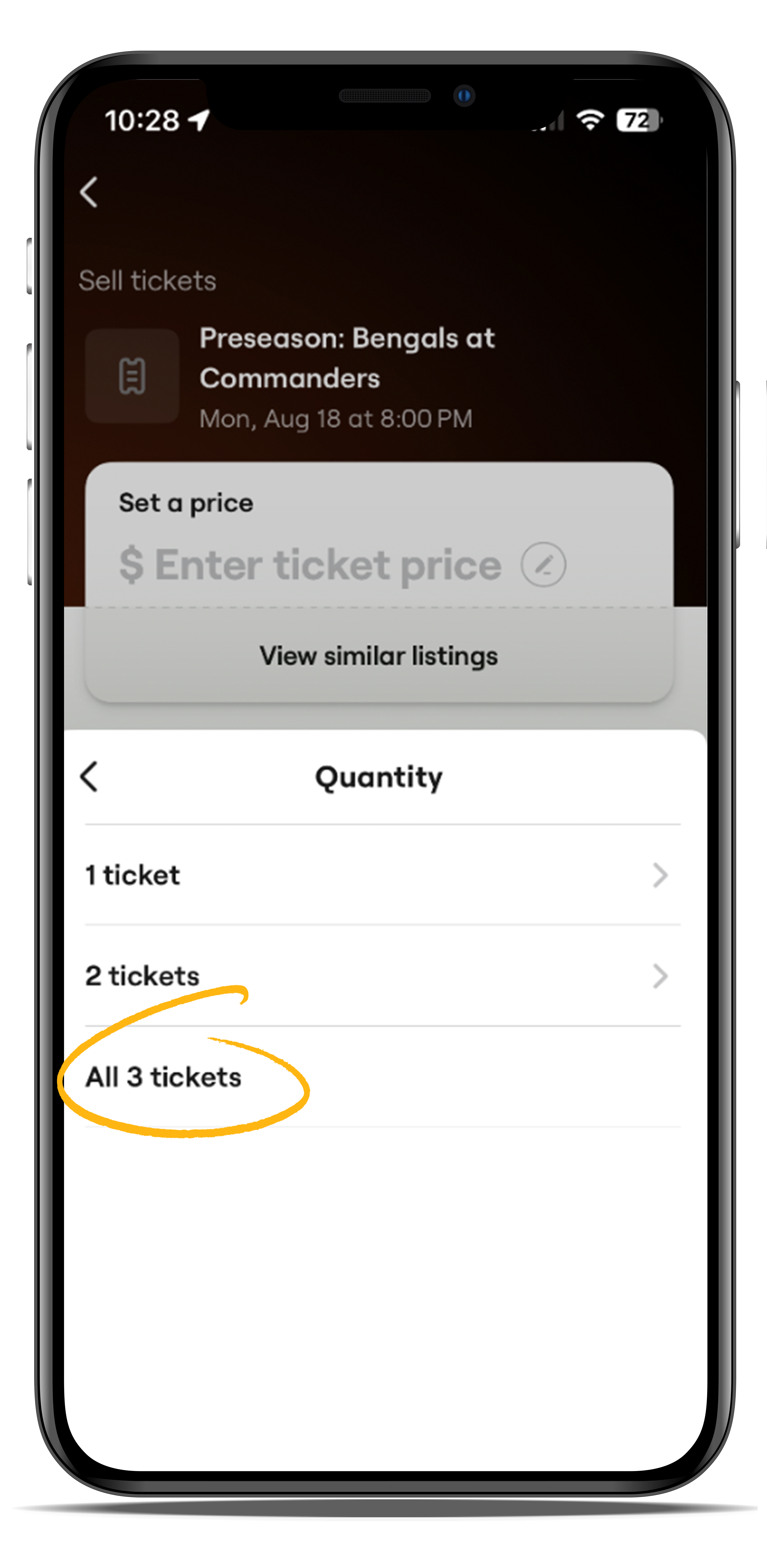
Select the number of tickets you would like to sell.
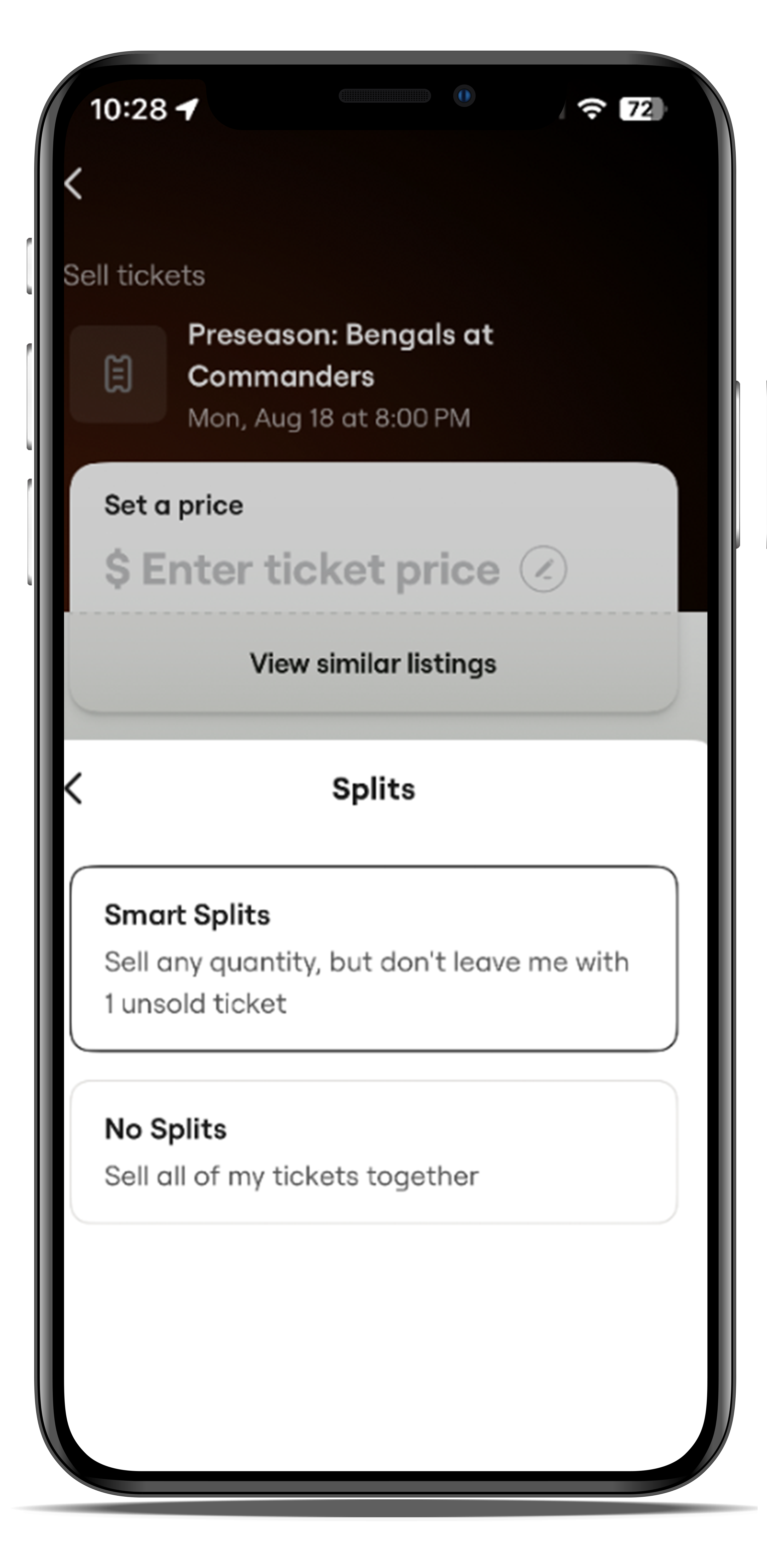
"Split" preferences allow you to choose how your tickets will be sold. Select If you allow splits or want them sold together.
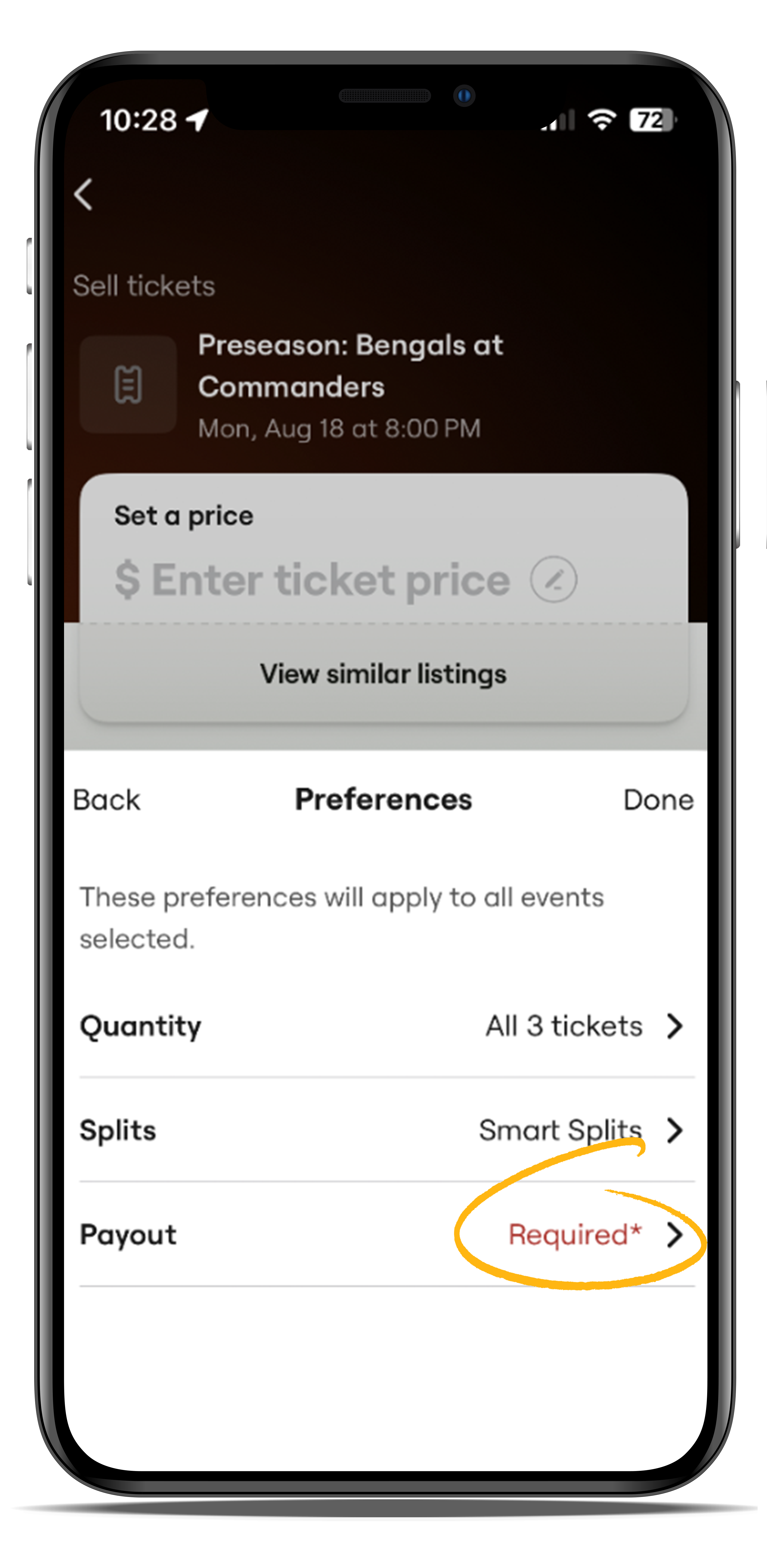
Select "Payout"
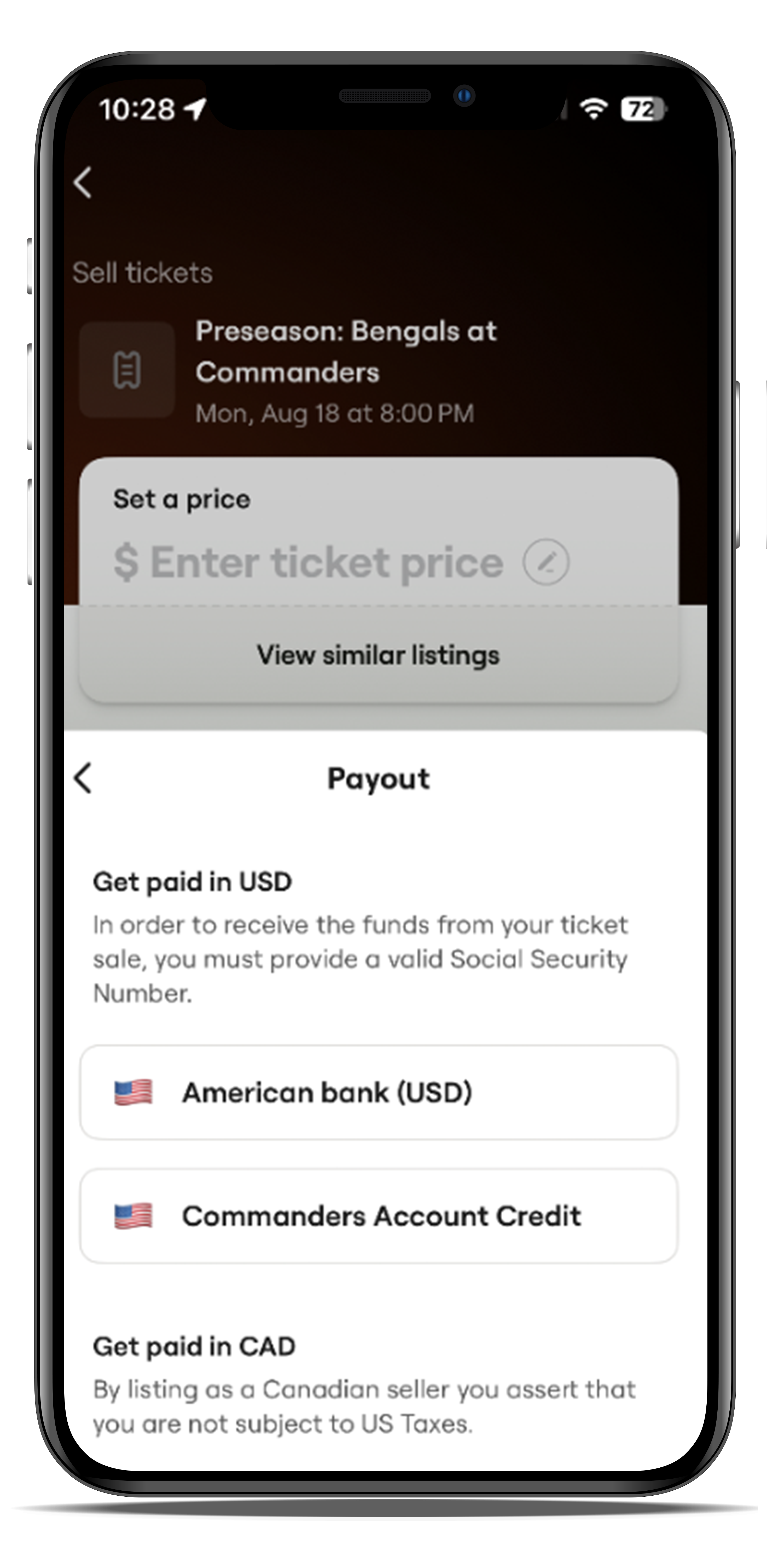
"Payout" will allow you to choose how you are paid if tickets sell. "Bank" will send the payment to your bank account after you input the information. "Commanders Account Credit" will go to your season ticket account and can be applied accordingly if you reach out to your Commanders Rep.
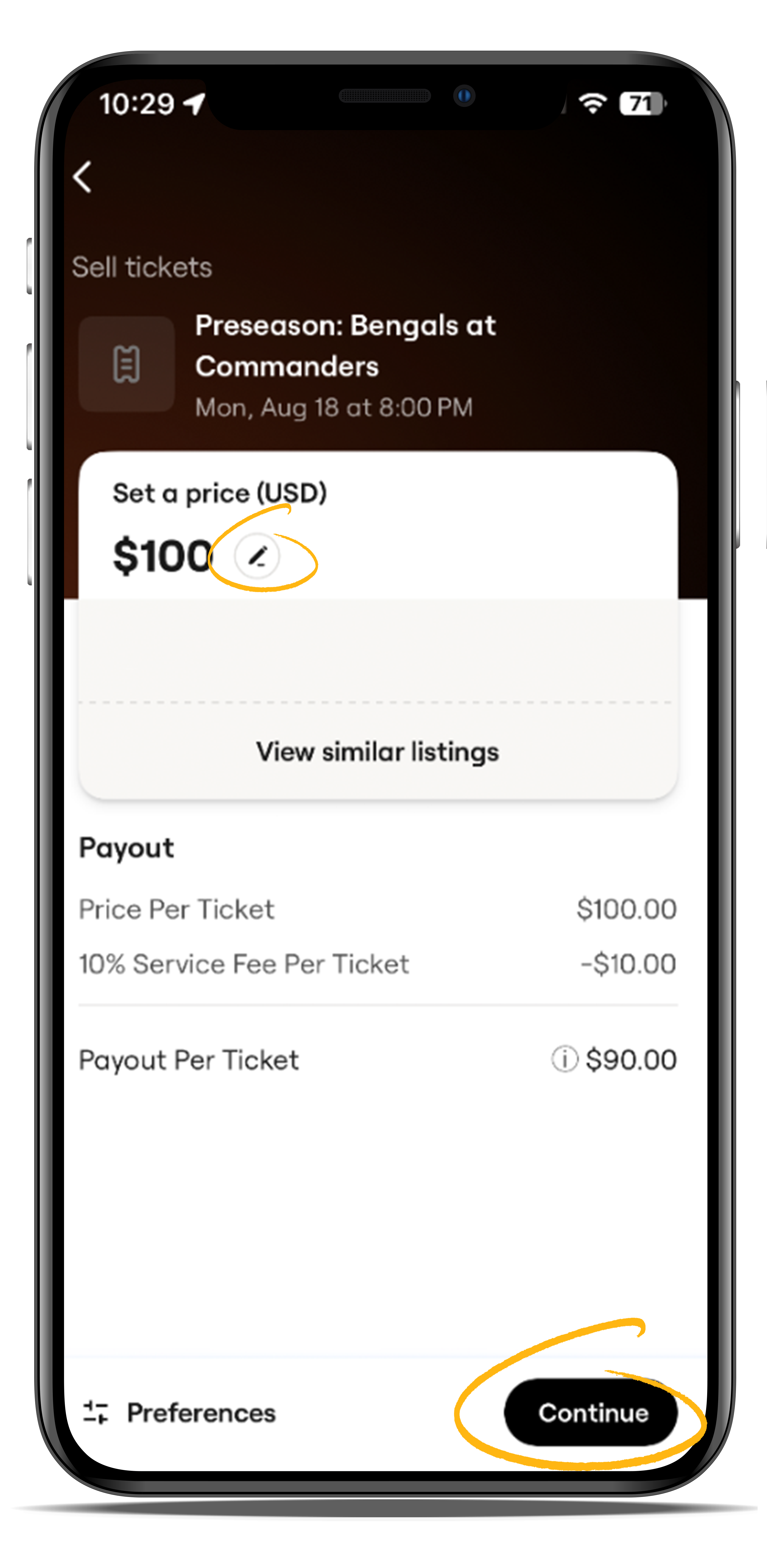
Adjust "Price", Click Continue.
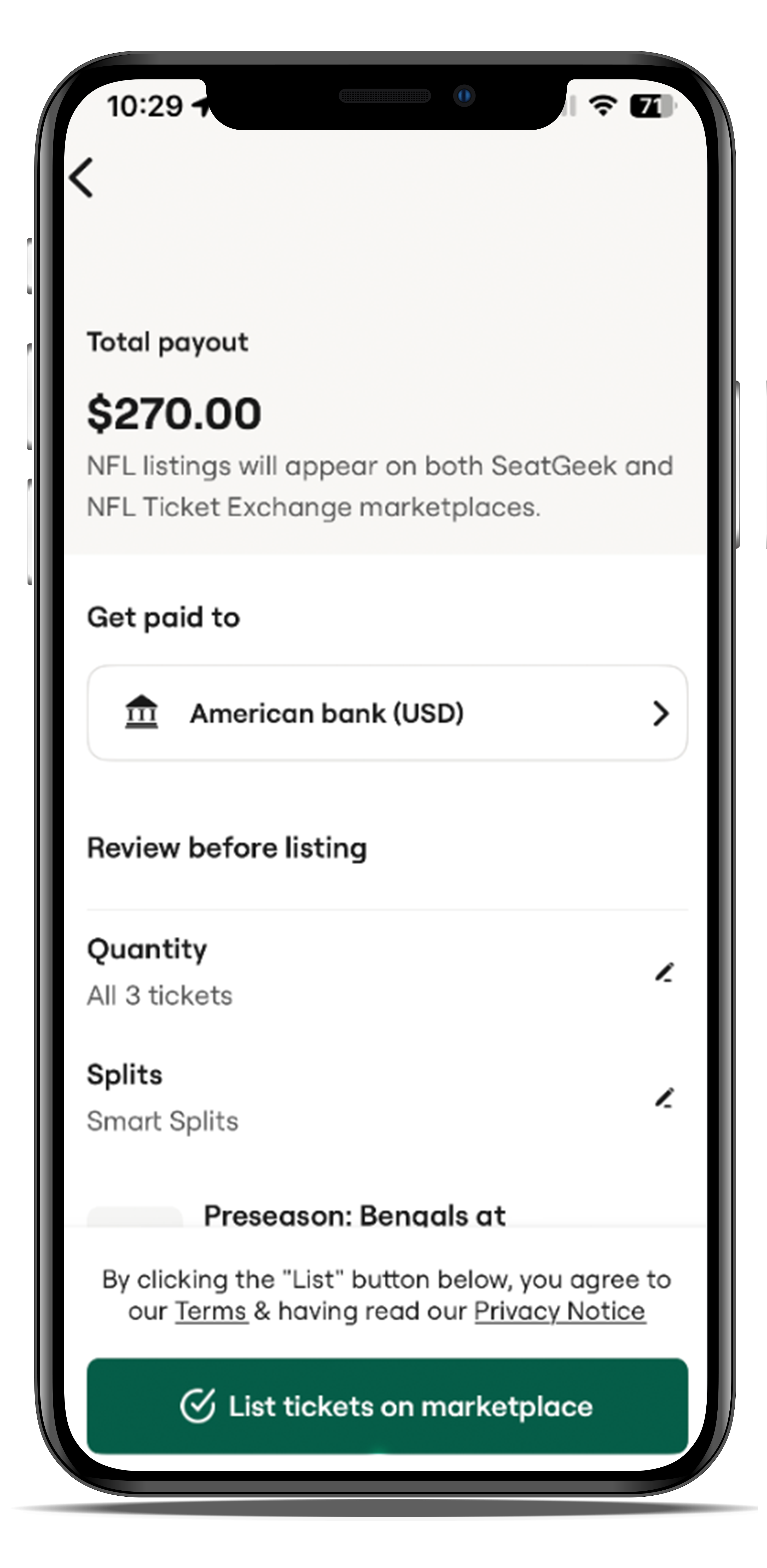
Select "List Tickets on Marketplace"
