
Mobile Ticketing
Access your tickets:
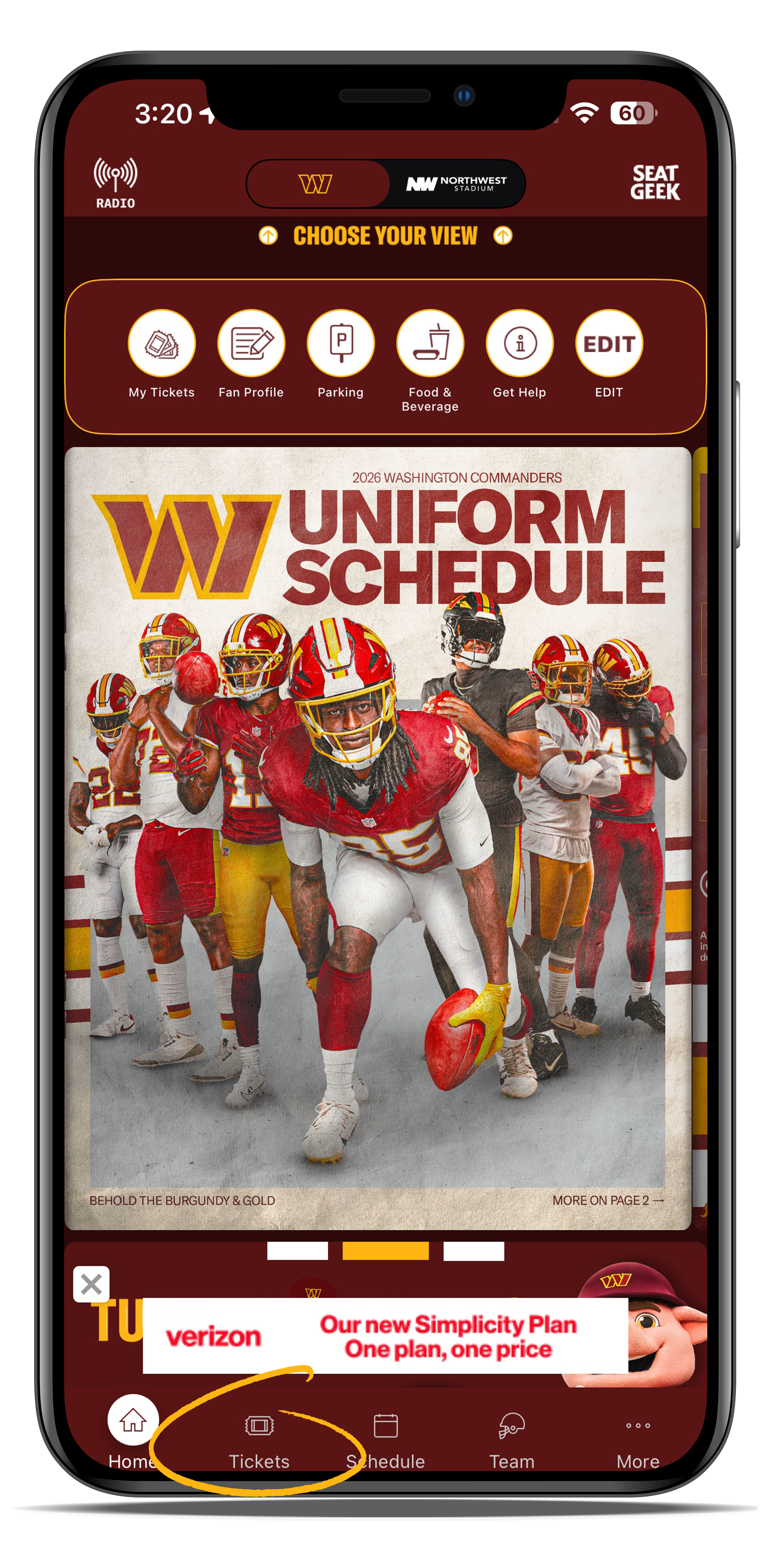
Open the Washington Commanders App and go the 'TICKETS' button in the bottom right corner.
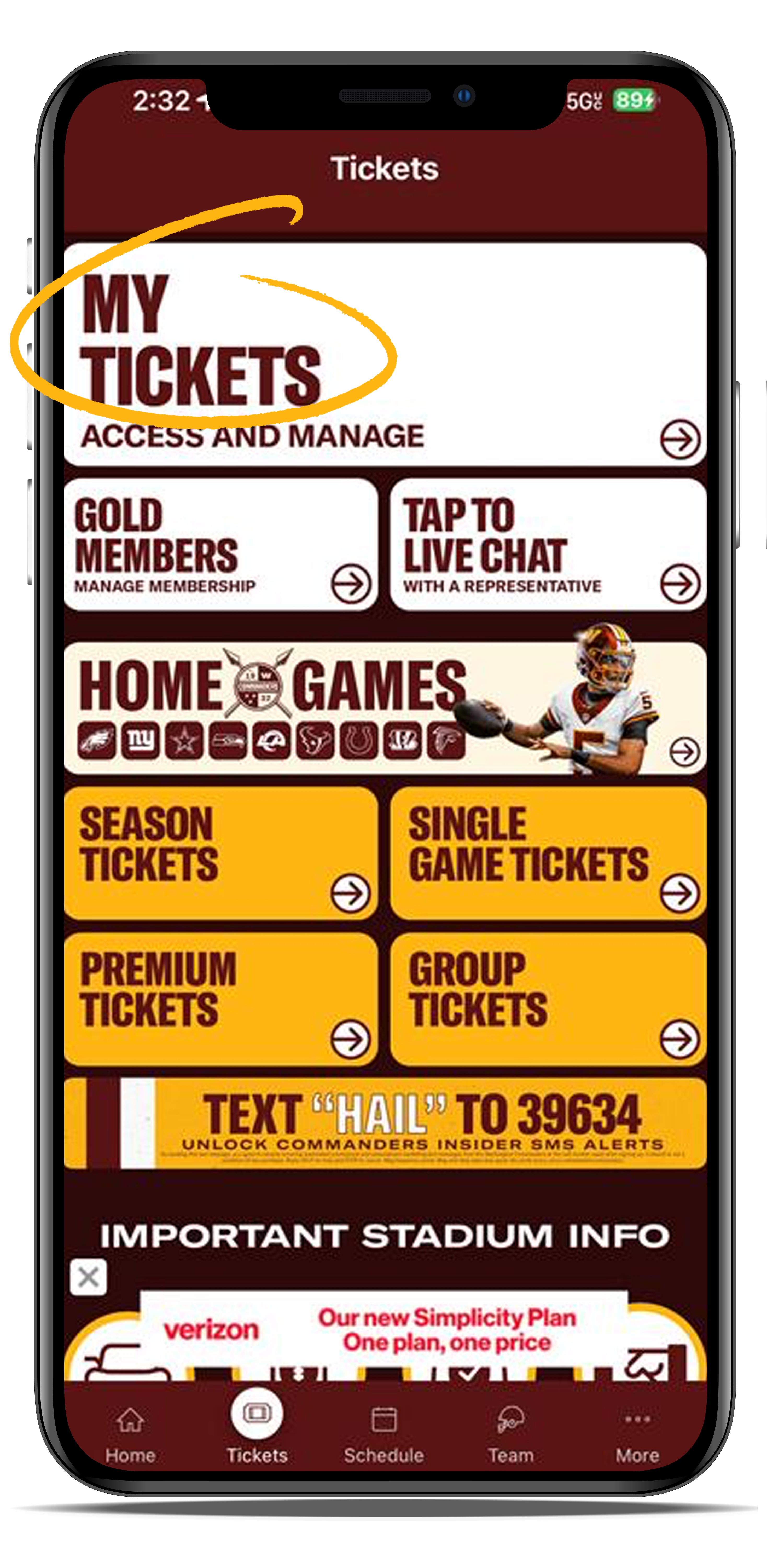
Select 'MY TICKETS' button.
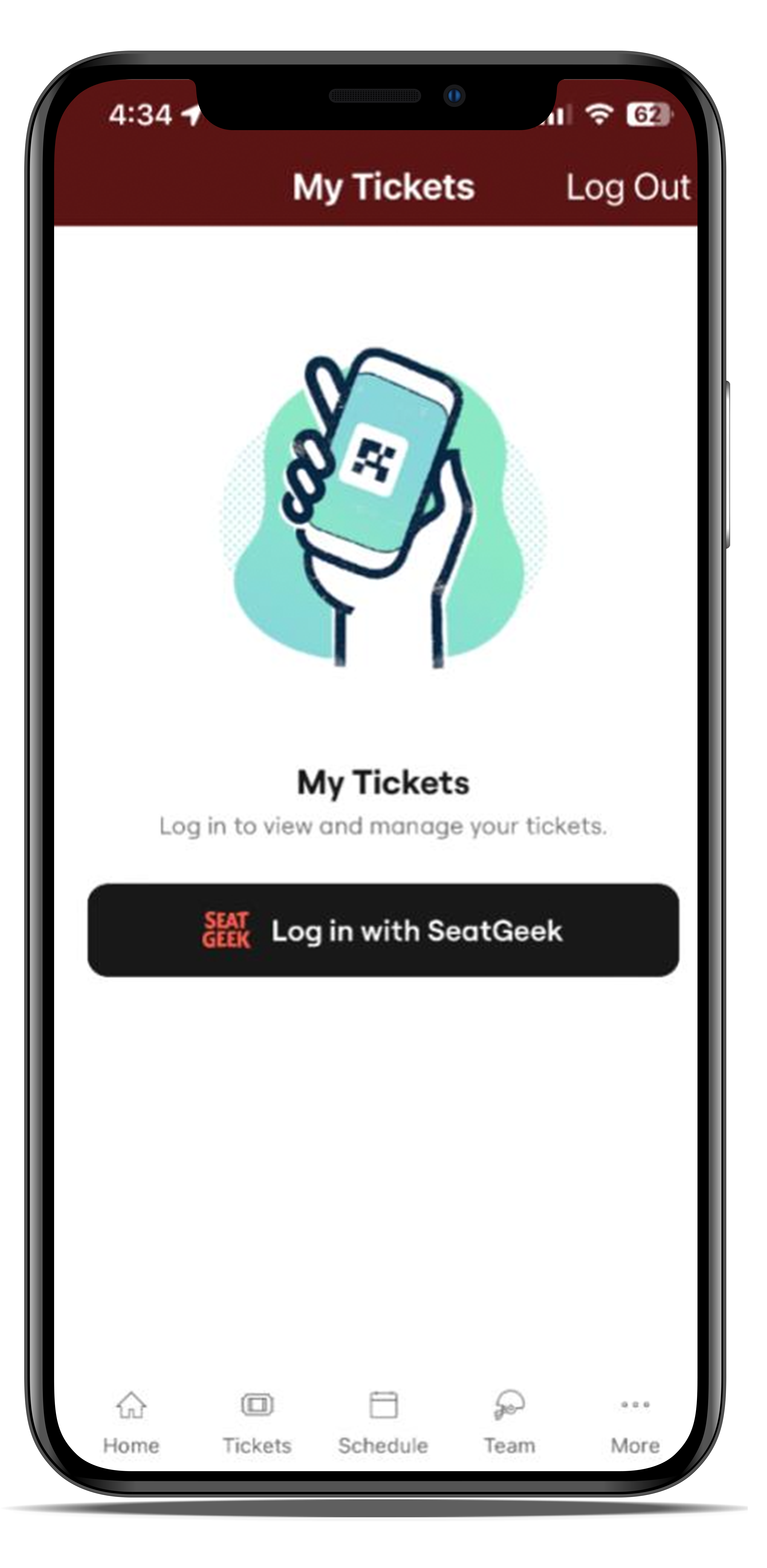
Then click 'Log in with SeatGeek'.
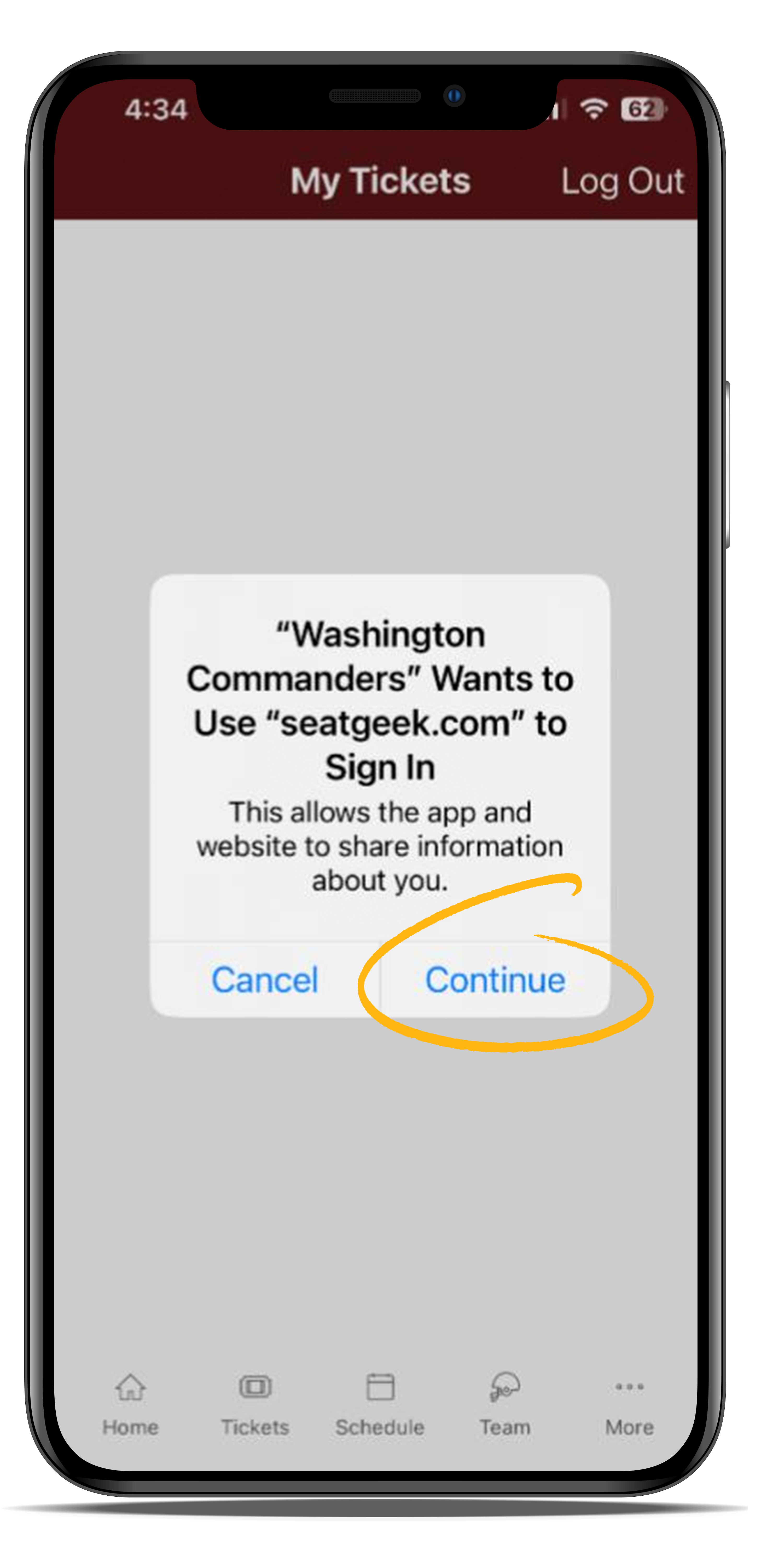
Select 'CONTINUE'.
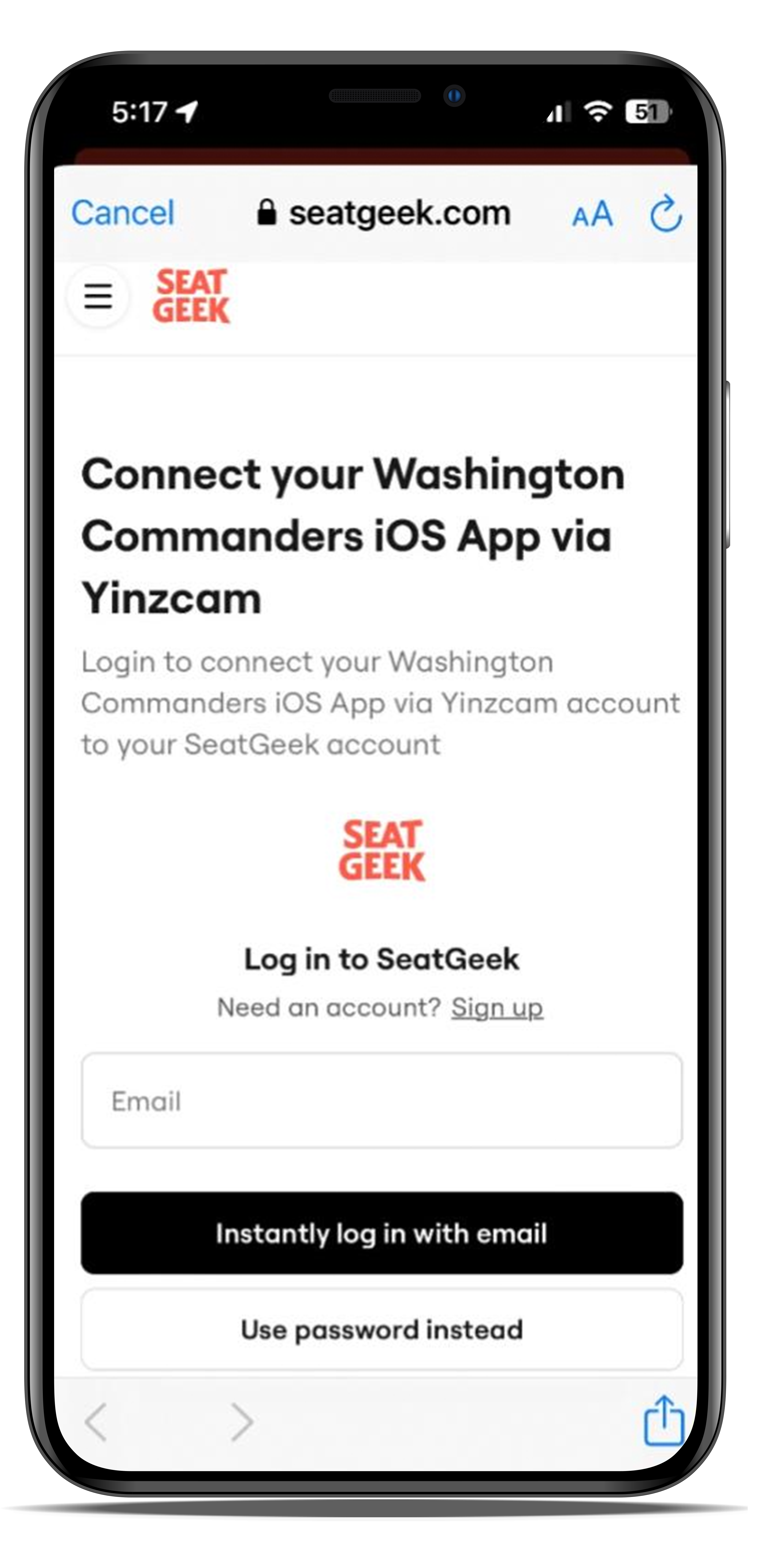
Enter your Commanders SeatGeek account email. Click "Use Password Instead" to log in with your password. Or use "Instantly Log In" to receive a one-time log in code via email.
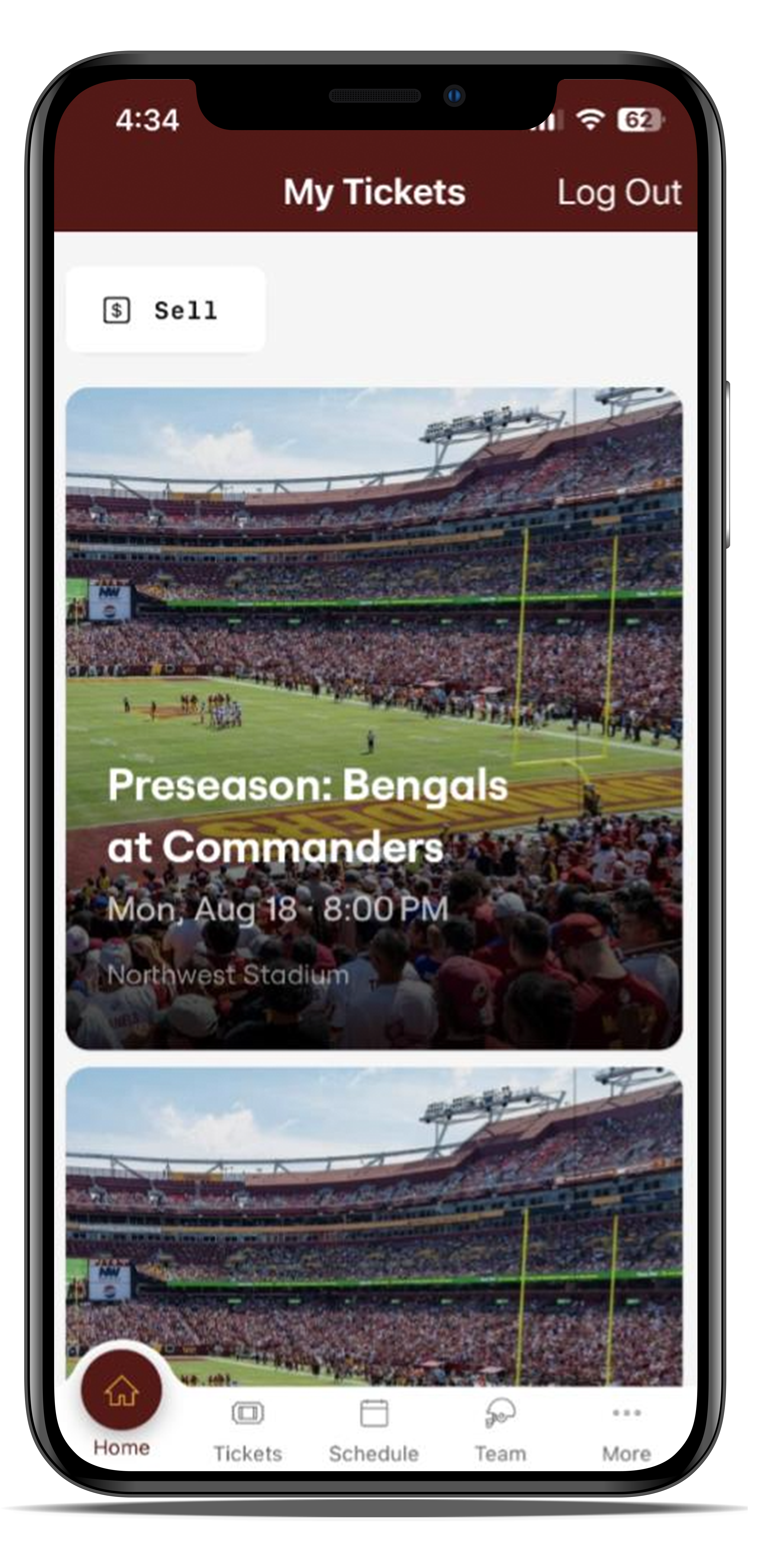
Select the game you want to access.
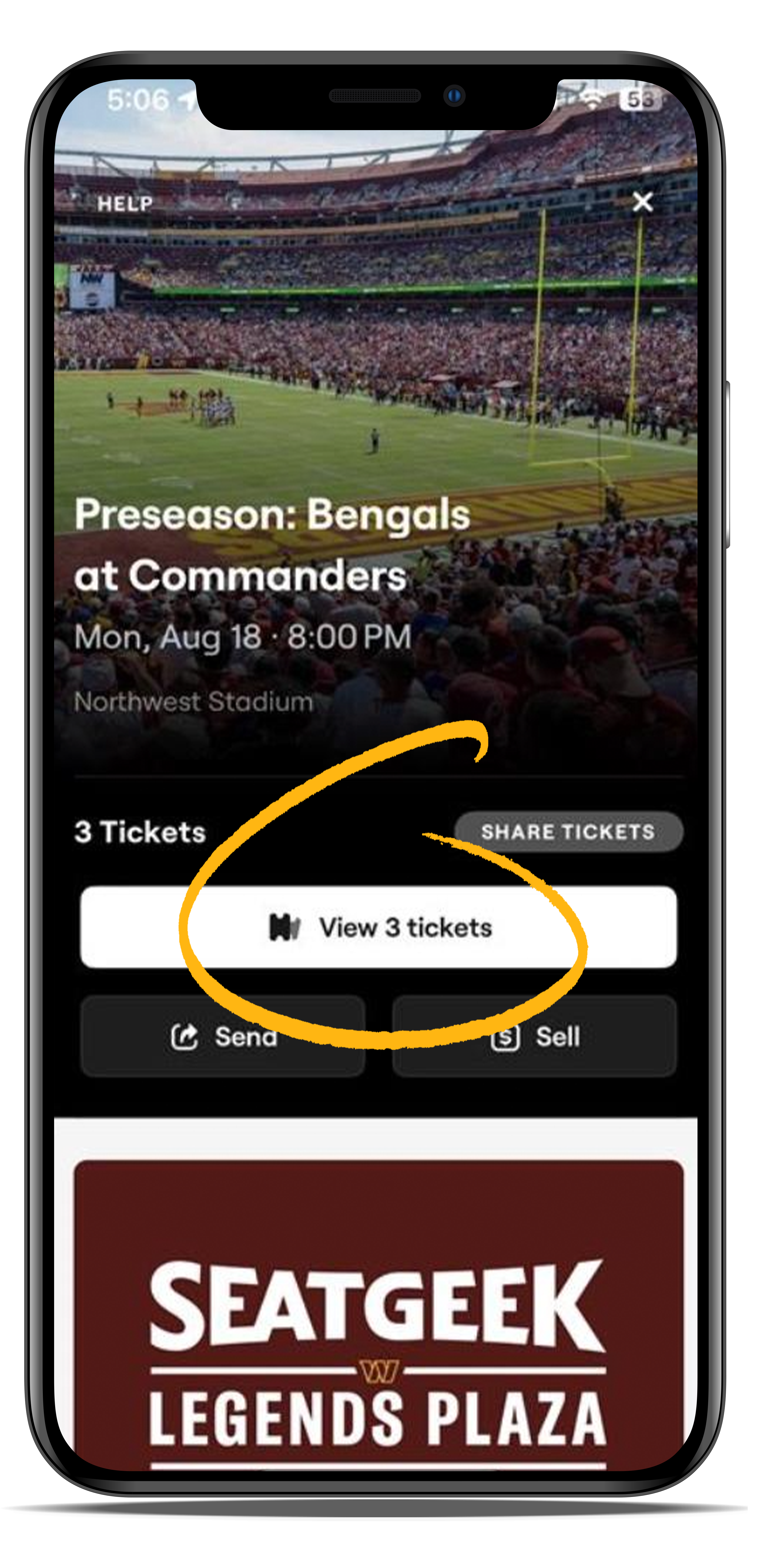
Select 'view # of tickets'.
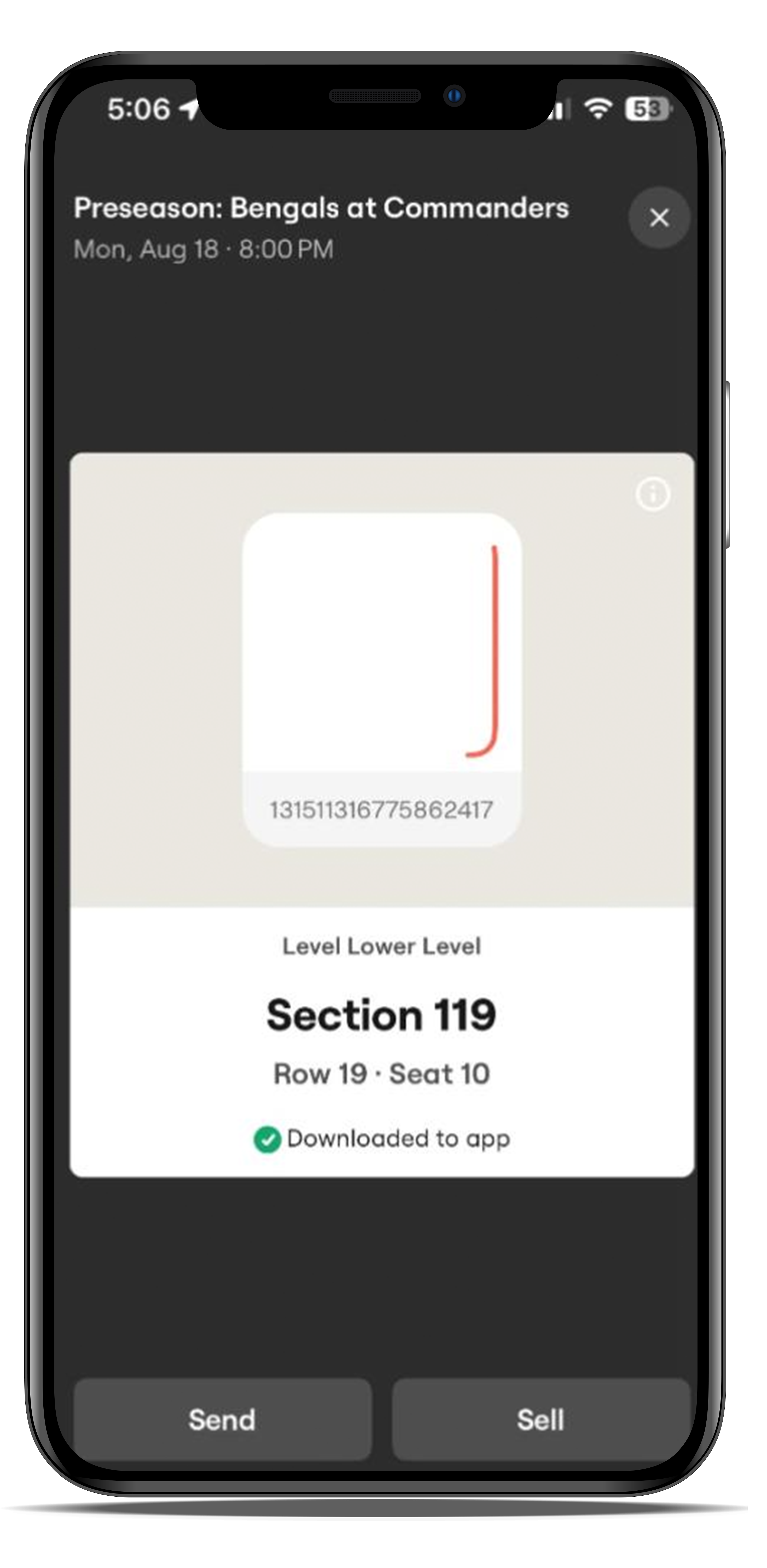
Swipe to view the QR code for each individual ticket, these will be scanned at the stadium entrance gates. Upon opening, your ticket will automatically download and save to your Commanders Mobile App for easy access on gameday!
